Create your first AI graphic without learning design software first.
Start with the message you want people to understand, then use AI to turn that idea into a finished visual.
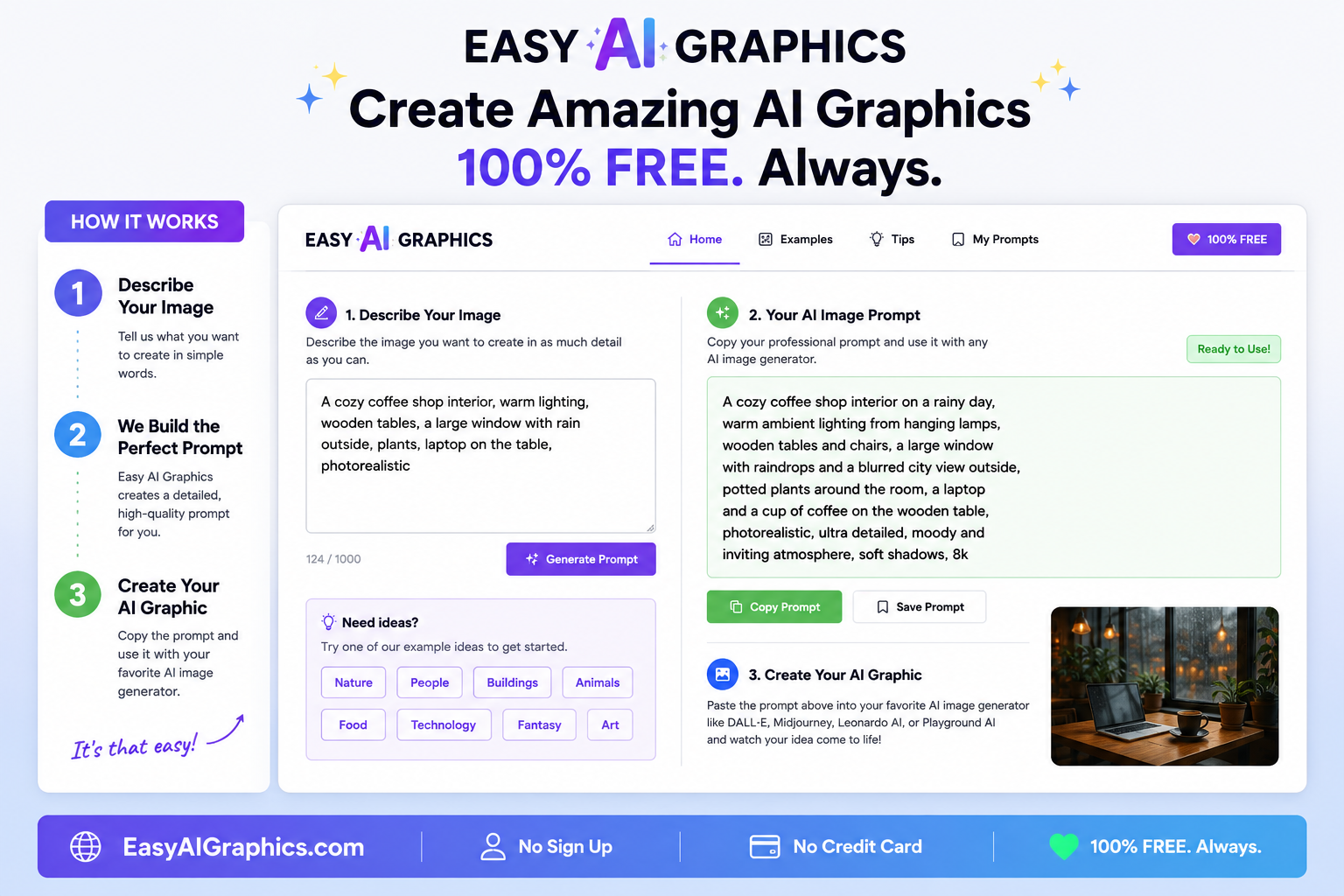
Start with the message—not with design software.
Easy AI Graphics grew from the same beginner problem: people know what they want to advertise or show, but they do not know how to turn that idea into a detailed image-generation prompt.
Create your first AI graphic.
Say what the graphic is for
Example: “I need a square Facebook ad for my new local service.” The purpose controls the layout.
Write the exact words that must appear
Keep the headline short. Put exact spelling, prices, dates, phone numbers, and calls to action in your prompt rather than hoping the model invents them correctly.
Add only the details that matter
Choose the style, audience, format, focal subject, and 2–3 supporting details. More words do not automatically make a better graphic.
Build the prompt
You can write it with ChatGPT or use EasyAIGraphics.com to turn the idea into a more complete prompt.
Generate the finished image
Ask ChatGPT to generate the image—not merely describe what it would look like.
Check it like a customer would
Look at the headline, spelling, hands/faces, logos, prices, dates, and whether the main point is readable on a phone.
Fix one thing at a time
Instead of saying “make it better,” say exactly what is wrong: “Keep everything else, but make the headline larger and correct this word.”
Create the finished graphic from this prompt. Keep all requested wording exactly as written. Make the main message readable on a phone. Do not invent extra prices, dates, phone numbers, or logos.Your first graphic does not need to be perfect.
Generate it, look at what is actually wrong, and improve one visible problem at a time.
Choose another lesson