One ordinary family photo became a finished portrait.
This did not start with a studio session or a perfect headshot. It started with a normal group picture at a family get-together. The goal was simple: use the person in that everyday photo as the starting point and create something cleaner, more focused, and useful as a portrait.
Look at what we actually started with.
The original is a busy group photo with several people, tables, restaurant details, and a lot happening in the frame. The finished result focuses on one person and places him in a warm fireplace setting.
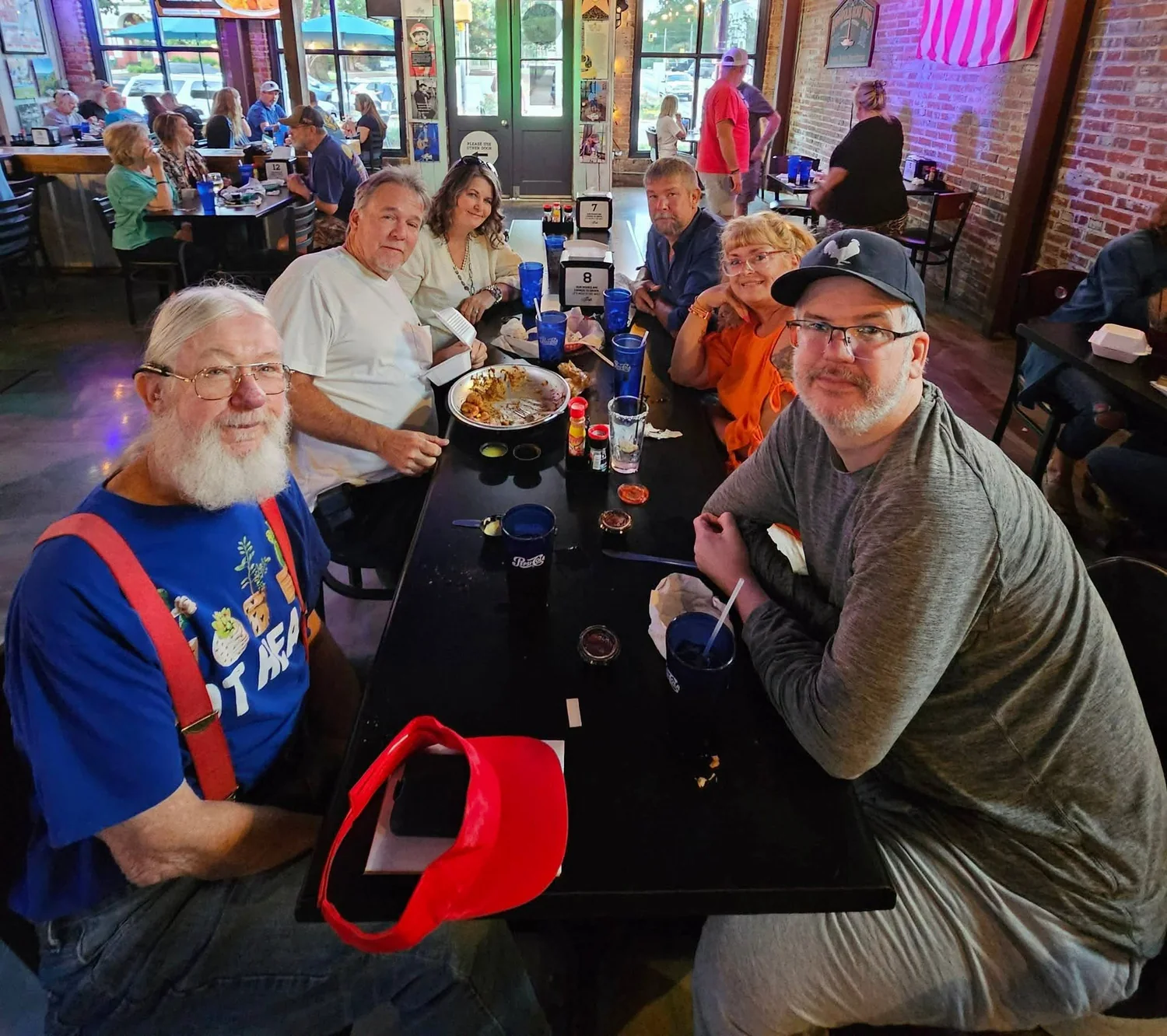
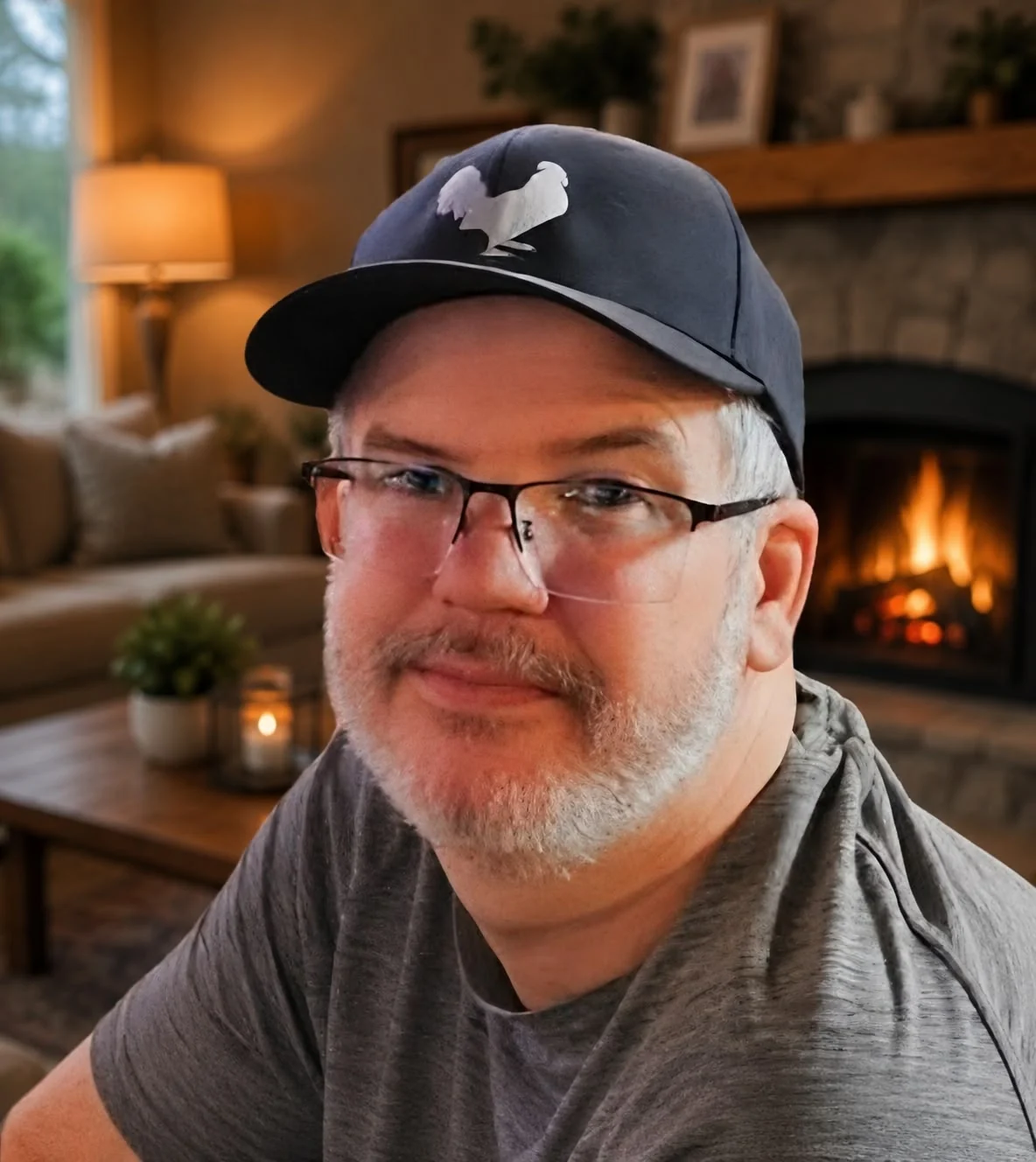
AI image tools can recreate or change visual details. Keep the original photo when identity or documentary accuracy matters, and get permission before publicly posting photos of other people.
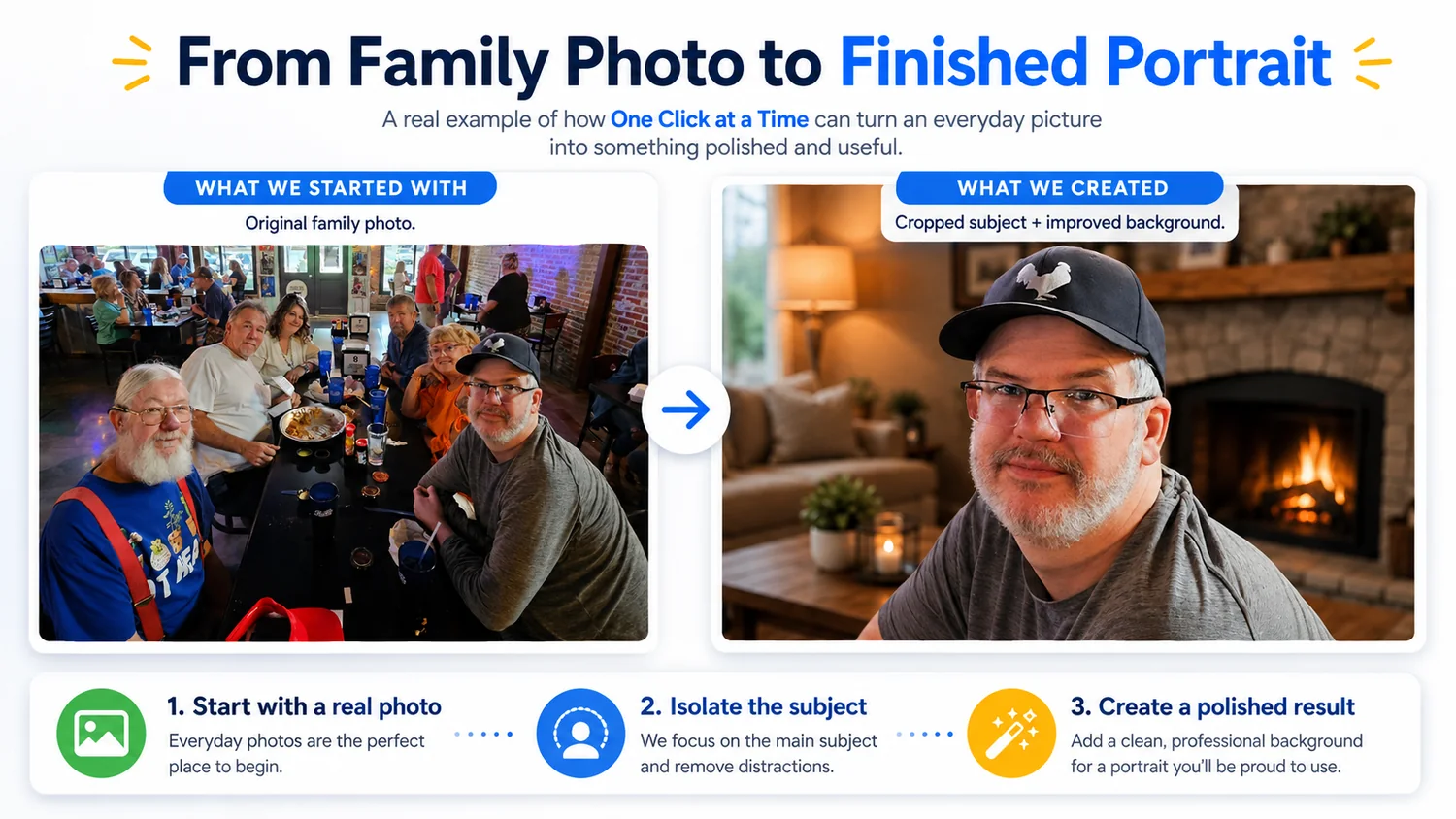
You do not need to know photo editing software.
A beginner can describe the result in plain English, review what AI creates, point out what is wrong, and improve it one decision at a time. The important skill is not memorizing dozens of editing tools—it is knowing how to show what you have and explain what you want next.
Five simple decisions turned the idea into a result.
Start with the real photo you already have
You do not need a professional source image to begin. A normal family or cellphone photo can be enough to explore an idea.
Identify the person or object you want to focus on
Tell ChatGPT exactly who or what matters in the picture. A screenshot or uploaded image removes the need to describe every visual detail.
Say what should change
For example: remove distractions, change the background, improve the composition, or create a warmer and more professional setting.
Review the result instead of accepting the first try
Look at the face, hands, glasses, clothing, background, lighting, and anything else that matters. If something is wrong, say exactly what you want changed.
Save the version that works for the purpose
The finished image might become a profile picture, website portrait, ad, flyer, social post, or simply a better personal image.
AI is not only for websites and coding.
This is a completely different kind of project: take something you already have, explain the result you want, and improve it visually without having to learn traditional editing software first.
📷 Everyday photos
Turn a casual picture into something more focused or useful.
🪄 New presentation
Try a different background, composition, lighting style, or format.
📣 Useful outputs
Use the result for profiles, advertisements, business pages, social graphics, or keepsakes.
Your next project might already be sitting in your camera roll.
Pick one ordinary image and ask what it could become. Then improve one thing at a time.
Choose another real lesson